Build a resume that reads well and parses cleanly
Write your resume step by step, or import the one you have. Pick a template, then export to PDF or Word.
Free to start. Some templates need Pro.
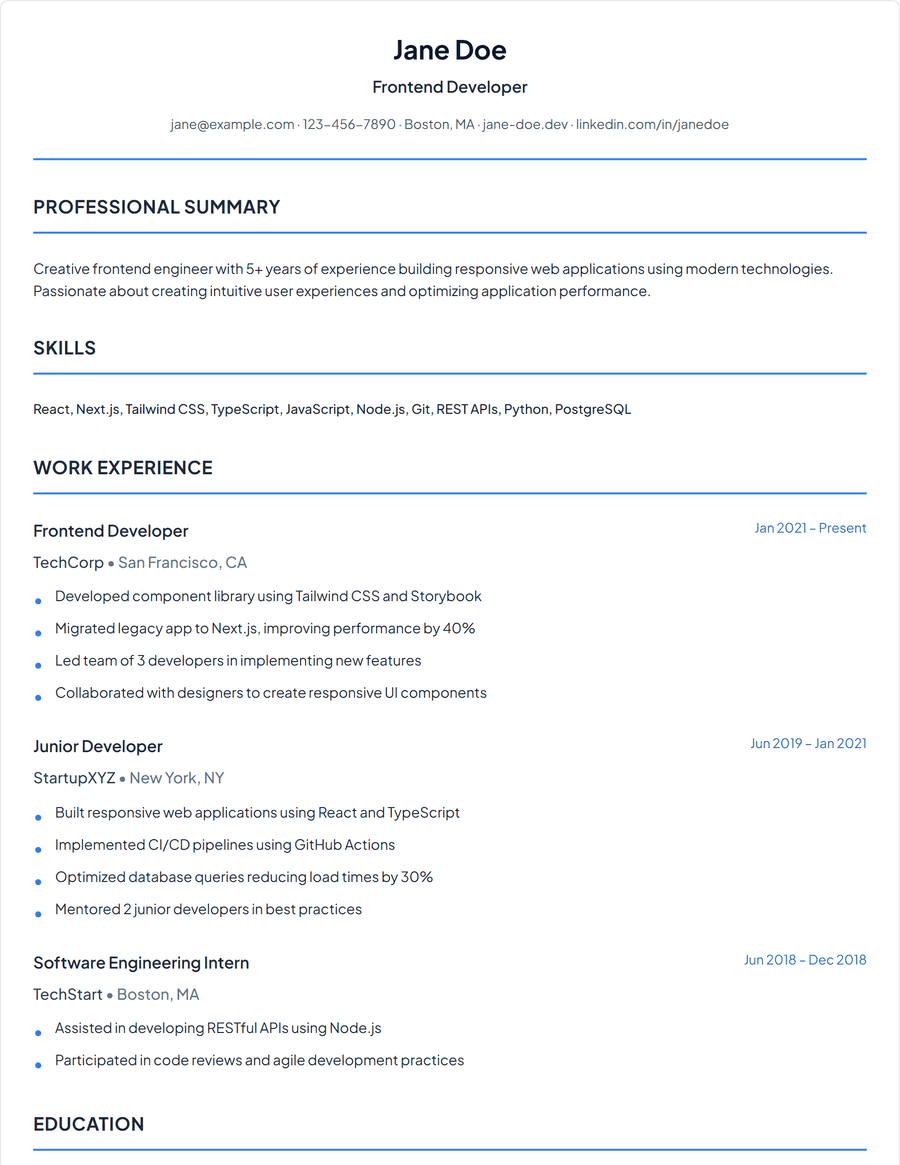
The Classic template. Free on every plan.
What you get
Start from what you have
Import a PDF, Word or text file and your details fill in. Or start blank and go one section at a time.
Templates for people and for software
Eight recruiter templates for a person reading the page, and plain ATS layouts for the systems that read it first.
AI help where it counts
Add a job description and get a stronger draft of your bullets and summary, side by side with your original.
How it works
Import or start fresh
Upload an existing resume, or fill in contact details, experience, skills, education and a summary.
Add the sections you need
Projects, certifications, publications, languages and more, only when they help.
Choose a template and export
Preview it in any template, pick an accent colour, and download a PDF or Word file.
Questions
Can I use my current resume?
Yes. Upload a PDF, Word or text file up to 10MB and edit from there.
Which templates are free?
Classic, Minimal, Ivy League and Entry Level, plus the standard ATS layout. The rest come with Pro.
What formats can I download?
PDF and Word (DOCX).
More tools
- Resume tailorRewrite a resume for one job posting.
- Resume analyzerScore a resume against a job and see what to fix.
- ATS checkerSee which requirements of a posting your resume covers.
- Cover letter generatorDraft a letter against one specific posting.
- Job trackerKeep every application, status and follow up in one list.
Resume builder
Create a free account to get started.